

Twenty-five AI apps that do actual work across writing, photo cleanup, transcription, and planning, with the novelty wrappers filtered out.
Let’s be real for a second: the Play Store is kind of a mess right now. I read an article on Computerworld recently that hit the nail on the head—developers are slapping a "Generate Text" button on everything and calling it AI. I felt this pain personally last week when I downloaded a "smart" to-do list app. It took me twenty minutes just to set up a grocery list. I could have written it on the back of a receipt in ten seconds.
That wasted time annoyed me enough to write this. I wanted to cut through the marketing fluff and find the tools that actually work. We’re talking about apps that genuinely upgrade your phone, not just bloatware that eats up your battery and storage.
Table of Contents
The Gist (TL;DR)
How I Picked These Apps
Privacy (Where does your data go?)
Free vs. "Freemium"
Speed and Lag
Does it play nice with Android?
Is it annoying to use?
The Top 25 List
Chat & Search Tools
Productivity & Work
Photos & Creativity
Voice & Audio
Health & Lifestyle
Protecting Your Gear
Wrap Up
The Gist (TL;DR)
If you don't have time to read the deep dive, here is the cheat sheet. When you're looking for AI apps on Android, here is what matters:
Watch your data: Some apps process stuff on your phone (good), others send it to a cloud server (risky for sensitive stuff). Know the difference.
Subscription fatigue: Check if the free version is actually usable. If you hit a paywall after three clicks, uninstall it.
Speed is king: If an app takes ten seconds to "think" about a simple question, it’s faster to just Google it yourself.
Integration: The best apps work with your phone—widgets, shortcuts, and extensions—rather than forcing you to open the app every single time.
Physical safety: A lot of these apps (like navigation or golf analyzers) require you to put your phone in weird spots. Don't break your $1,000 device trying to use a free app.
How I Picked These Apps
Quantity definitely doesn't equal quality on Google Play. Before I let an app stay on my phone, I run it through a pretty strict mental checklist.
Privacy and Data Security
AI eats data for breakfast. The question is: whose data? I always check if an app processes info locally (Edge AI) or sends it to a server. If I'm using an app for journaling or banking, I want that data staying on my device, period.

Factor | On-Device Processing (Edge AI) | Cloud Processing |
|---|---|---|
Where is it? | Stays on your phone | Sent to a server farm |
Privacy Risk | Low (Better for secrets) | Moderate to High |
Smarts | Basic stuff (Grammar, simple edits) | Heavy lifting & complex reasoning |
Internet? | Works in Airplane mode | Needs a connection |
The "Freemium" Trap
We all love free stuff, but subscriptions are everywhere now. I look for apps where the free tier is actually useful—like a decent daily message cap or standard resolution downloads. If the app is useless without a "Pro" badge, it didn't make this list.
Latency and Speed
Mobile means mobile. If I'm standing in line at the coffee shop, I don't have time to watch a loading spinner. The best apps rely on lightweight models that feel instant.
Ecosystem Integration
I hate copy-pasting. The best tools integrate with Android widgets, your calendar, or your email. If I have to open the app for every little thing, I'm probably not going to use it. Combining these tools with the best Android widgets is a total game-changer for efficiency.
UI and Accessibility
An app can have the smartest code in the world, but if the buttons are tiny or the menu is confusing, it’s garbage. I look for clean, swipe-based navigation that I can use with one hand.
The Top 25 List
I’ve broken these down into categories so you can find what you actually need. These are the ones I think are best-in-class right now.
Chat, Search, and Knowledge Assistants
These are the apps replacing my web browser. They are just faster at getting answers.
1. ChatGPT (OpenAI)
The standard. The Android app is great because of the voice mode—you can literally just talk to it. It’s also multimodal, meaning you can snap a picture of your fridge and ask for recipe ideas. You need to pay for the super-advanced logic, but the free version is fine for most people.
2. Perplexity AI
Perplexity has honestly replaced Google for me about 50% of the time. It gives you an answer and cites the sources immediately, so you aren't just trusting a robot blindly. It cuts out the ads and SEO spam you usually get in search results.
3. Google Gemini
Since it's Google, Gemini is baked right into the OS. It can "see" what's on your screen, which is super helpful. Just keep in mind that it is very tied to your Google account data, so consider the privacy trade-off.
App Name | Best For | The Good Stuff | The Catch |
|---|---|---|---|
ChatGPT | Writing & Coding | Voice Mode is incredible | Free version has knowledge limits |
Perplexity | Fact-Checking | Real citations/sources | Less "creative" than GPT |
Gemini | Android Control | Reads your screen | Google has your data |
4. Microsoft Copilot
If you use Office/Microsoft 365, this is the one. It gives you access to GPT-4 and DALL-E (image generation) for free, which is pretty generous. It’s a solid pick for work stuff.

5. Claude (Anthropic)
Claude is the "reader." It has a huge context window, which is tech-speak for "it can read a whole book at once." If you have a massive PDF to analyze on your phone, upload it to Claude.
Productivity and Workflow
Apps that do the boring stuff for you.
6. Otter.ai
This app records meetings and writes the notes for you. It’s surprisingly good at telling who is speaking.
Real World Use: I use this while driving. I put it on speaker, ramble my thoughts or take a call, and Otter transcribes it all so I don't have to try and scribble notes at a red light.
7. Grammarly
It’s a keyboard that fixes your typos and tone in real-time. It works in Slack, email, texts—everywhere. It does monitor what you type to make corrections, so keep that in mind.
8. Notion
Notion is an organizational beast. The AI features can summarize your messy notes or help you brainstorm content. It has a bit of a learning curve, but once you get it, it organizes your whole life.
9. Microsoft SwiftKey
A keyboard that actually learns how you type. It now has Copilot built-in, so you can search or generate text without leaving your keyboard. Probably the best free utility on this list.
10. Tasker (with AI Plugins)
Tasker is for the power users. It automates your phone settings. With the new AI plugins, you can use plain English to tell it things like "Turn on Do Not Disturb when I arrive at the movie theater."
Visual Creativity and Editing
You don't need Photoshop anymore. These apps are magic.
11. Adobe Lightroom
The "Lens Blur" and adaptive presets are fantastic. It analyzes your photo and applies the edits it thinks you need. It’s pro-level stuff, though some of the best AI masking features are behind a paywall.
12. Canva
Canva makes design easy for non-designers. The "Magic Studio" lets you erase objects or expand the background of a photo just by typing what you want. Great for quick social media posts.
13. Photoroom
If you sell things on eBay, Poshmark, or Etsy, get this. It strips the background off your product photos instantly. But remember, AI can't fix bad lighting—check out our smartphone video tips to get the raw shot right first.
Real World Use: I sold a pair of sneakers recently. I took a photo of them on my messy kitchen table, used Photoroom to swap the background for a clean white studio look, and listed them. Took 30 seconds.
14. Lensa
Famous for those "Magic Avatars," but actually really good for retouching portraits. It does use credits for the heavy AI stuff, though.
15. Snapseed
Google’s old reliable. It’s free, works offline, and the new "Expand" features are solid. It’s a must-have for basic edits.
Audio, Voice, and Languages
Apps for listening and speaking.
16. Duolingo
The new "Duolingo Max" tier uses GPT-4 to explain why you got an answer wrong, which is actually super helpful. It also lets you roleplay conversations to practice.
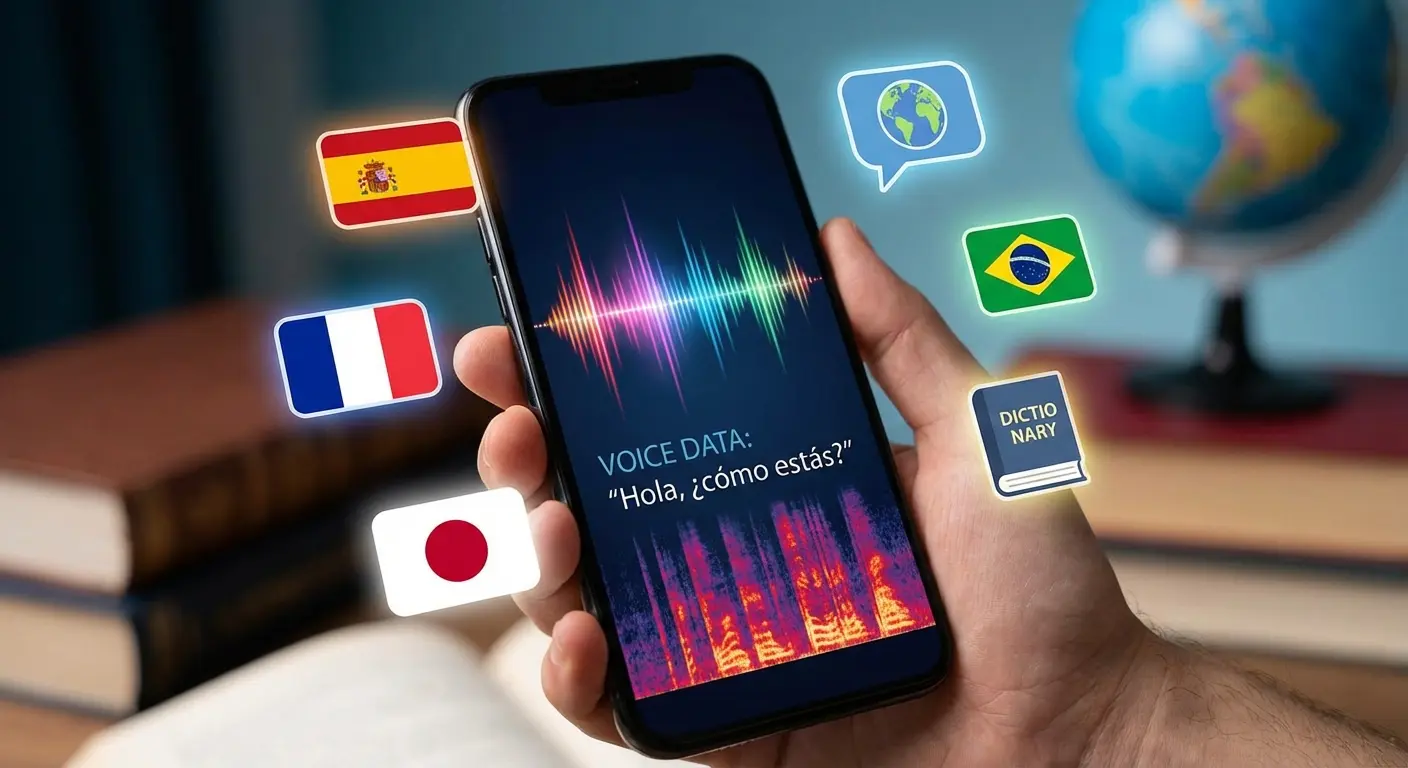
17. ELSA Speak
This is an AI pronunciation coach. It listens to you speak and tells you exactly which sounds you're messing up. If you're learning English, it's gold.
18. ElevenLabs Reader
This app reads articles or PDFs out loud, but the voices sound shockingly human. It’s great for "reading" long articles while you commute.
19. Spotify (AI DJ)
The AI DJ creates a radio station based on your tastes and actually talks between tracks. It’s a cool way to rediscover music you forgot you liked.
20. Shazam
It’s still the best way to find out what song is playing. It’s gotten much better at identifying songs even when people are talking over them.
Lifestyle, Health, and Surroundings
AI for the real world.
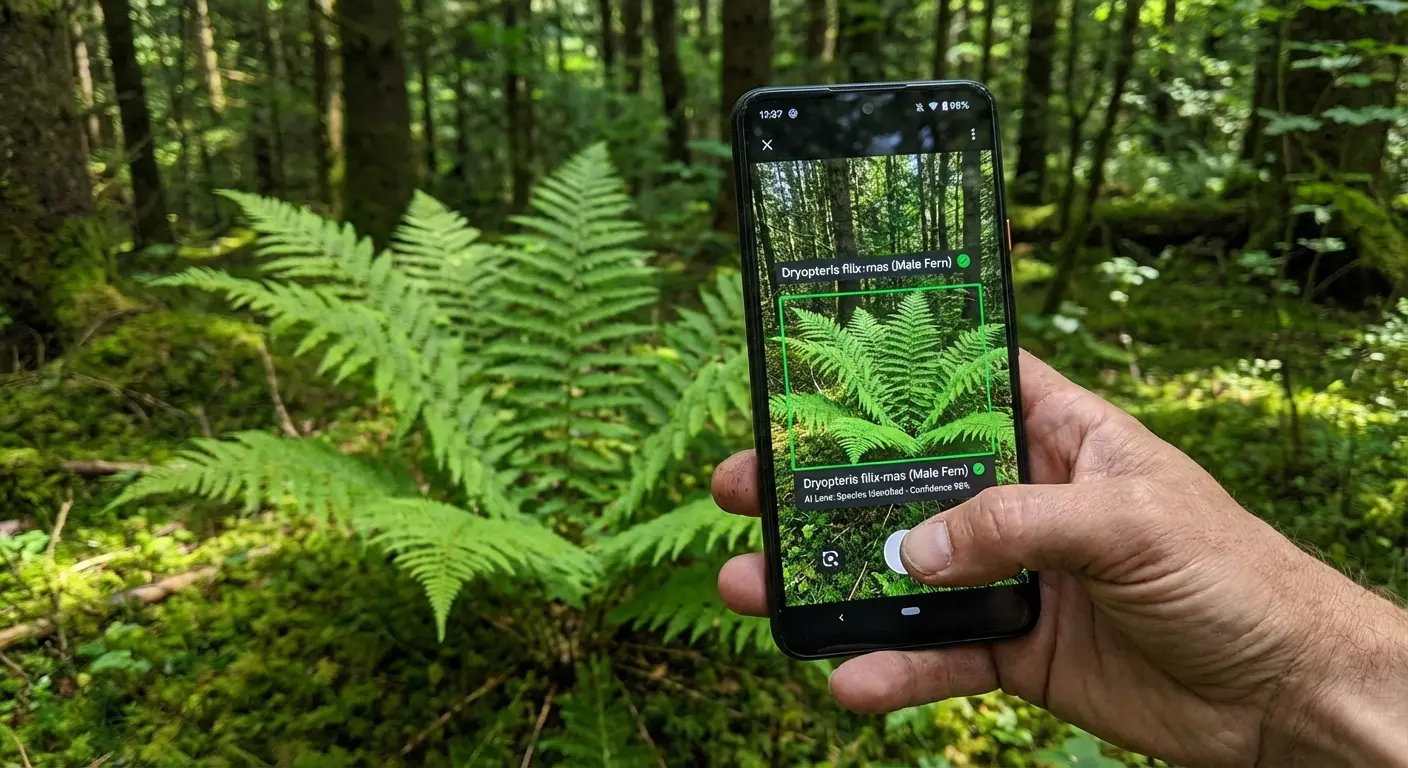
21. PictureThis
Point your camera at a plant, and it tells you what it is and if it’s sick. I use this in my garden constantly. It’s surprisingly accurate.
22. MyFitnessPal
The "Meal Scan" feature is cool—you take a picture of your food, and it tries to calculate the calories and macros. It’s not perfect, but it’s faster than typing everything in.
23. Wysa
An AI chatbot for mental health. It uses cognitive behavioral therapy (CBT) techniques to help you vent or organize your thoughts. It’s anonymous and a good tool for stress.
24. Google Maps
Maps uses a ton of AI for traffic prediction and the new "Immersive View." It’s still the gold standard for getting around.
25. Seek by iNaturalist
Like PictureThis, but for everything—bugs, animals, fungi. It doesn't require an account, so it's safe for kids to use. Great for hiking.
App | What it does | Needs Internet? | Who is it for? |
|---|---|---|---|
PictureThis | Plant Doctor | Yes | Gardeners |
MyFitnessPal | Food Scanner | Yes | Dieters |
Seek | Nature ID | No (Offline Mode) | Hikers & Kids |



